
Overview
This article focuses on the battery rotation procedure for the IZONGOLF Screen to ensure optimal battery performance and longevity. It provides step-by-step guidance on accessing and checking the battery level, as well as securely closing and locking the battery latch. Users are instructed on how to maintain and rotate the battery to maximize its lifespan and efficiency.
Start Day with New Charged Battery
Every morning the IZONGOLF Screen battery should be removed and replaced with a newly charged battery from the IZONPWR Station.
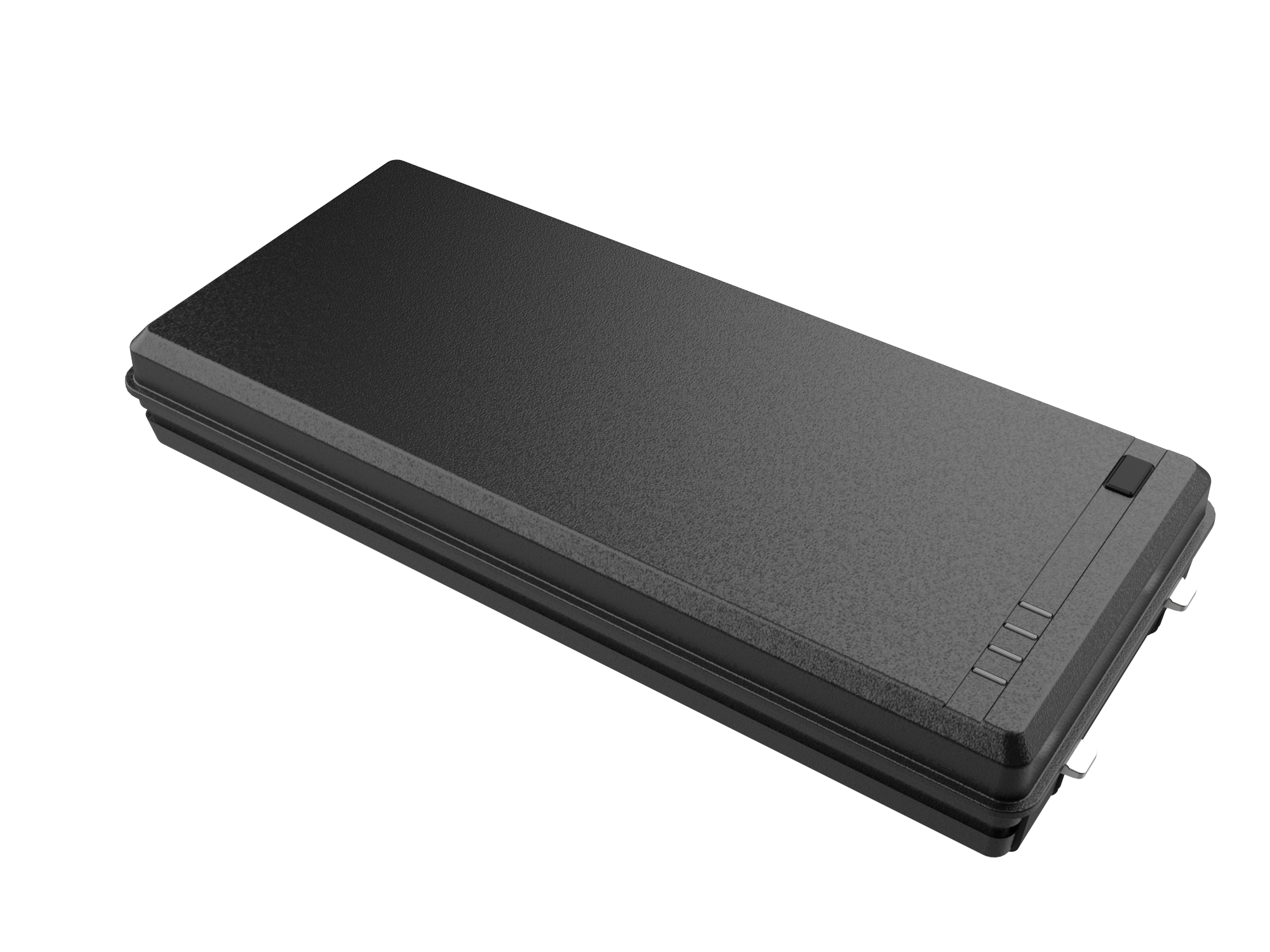
- Slide the battery latch to the “Unlock” position and wait two (2) seconds to engage the “Hot Swap Battery” function before removing the battery.
- Replace the battery with a charged battery from the IZONPWR Station then move the latch to the “Locked” position.
- Check if the IZONGOLF Screen has power with a single touchscreen tap. If NOT then power on the device using the PWR Button. The rising sun boot screen will launch and the IZONGOLF Screen will auto-load its GPS program.
Additional Round: Change Battery
Before a cart goes back on the course for another 18 Holes the battery needs to be swapped to avoid Golfer dissatisfaction and wasting Ranger time getting a new battery out onto the course for them. See steps above.